
One screen forevery payment
Reports as they happen, one-time payment links in a click, and auto-debit enrolments handled — all in the same place, with no spreadsheet in the middle.
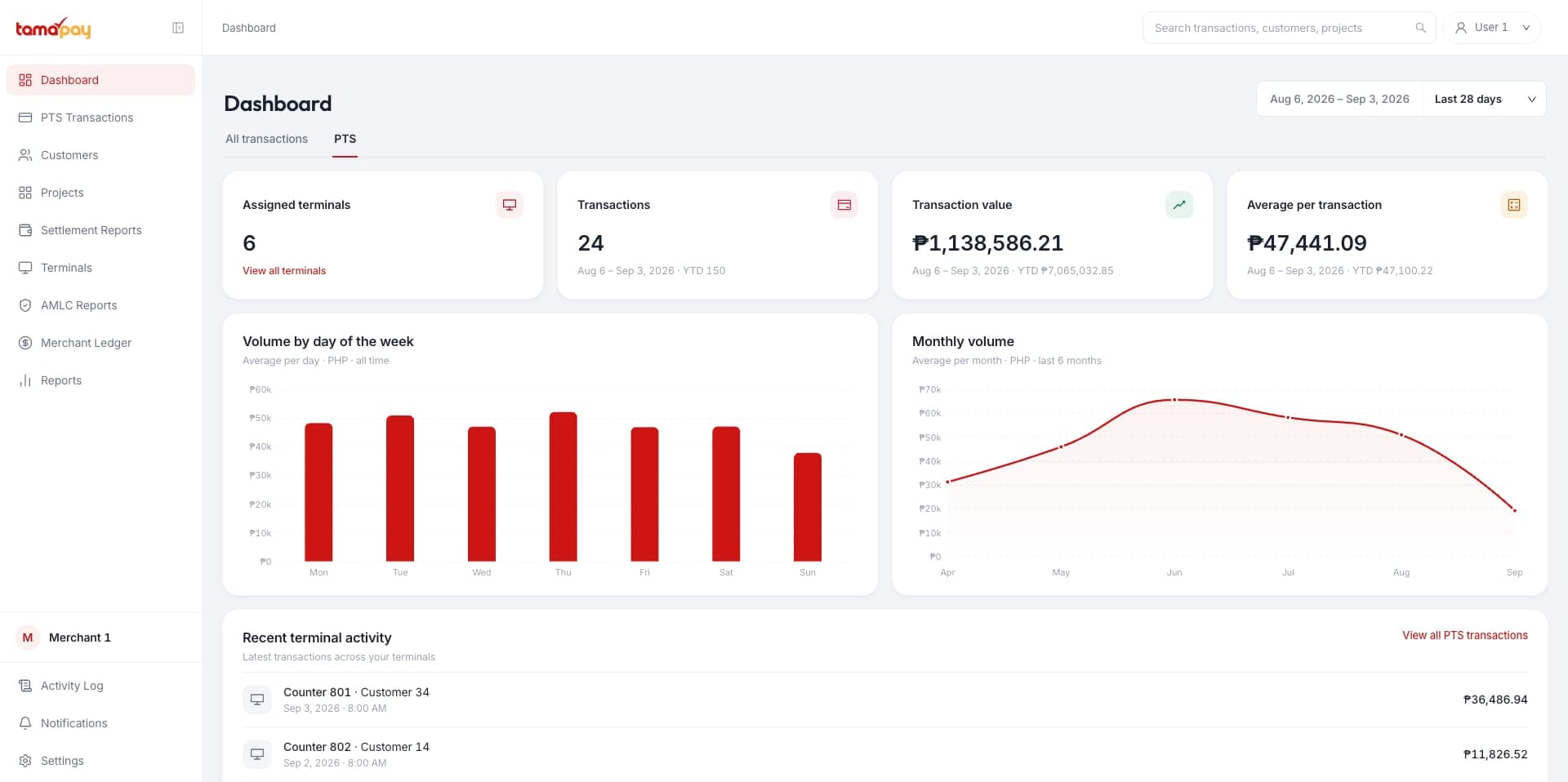
The dashboard, in three parts
Three areas, and a finance team spends its month in all of them — what arrived, what is still owed, and what left for the bank.
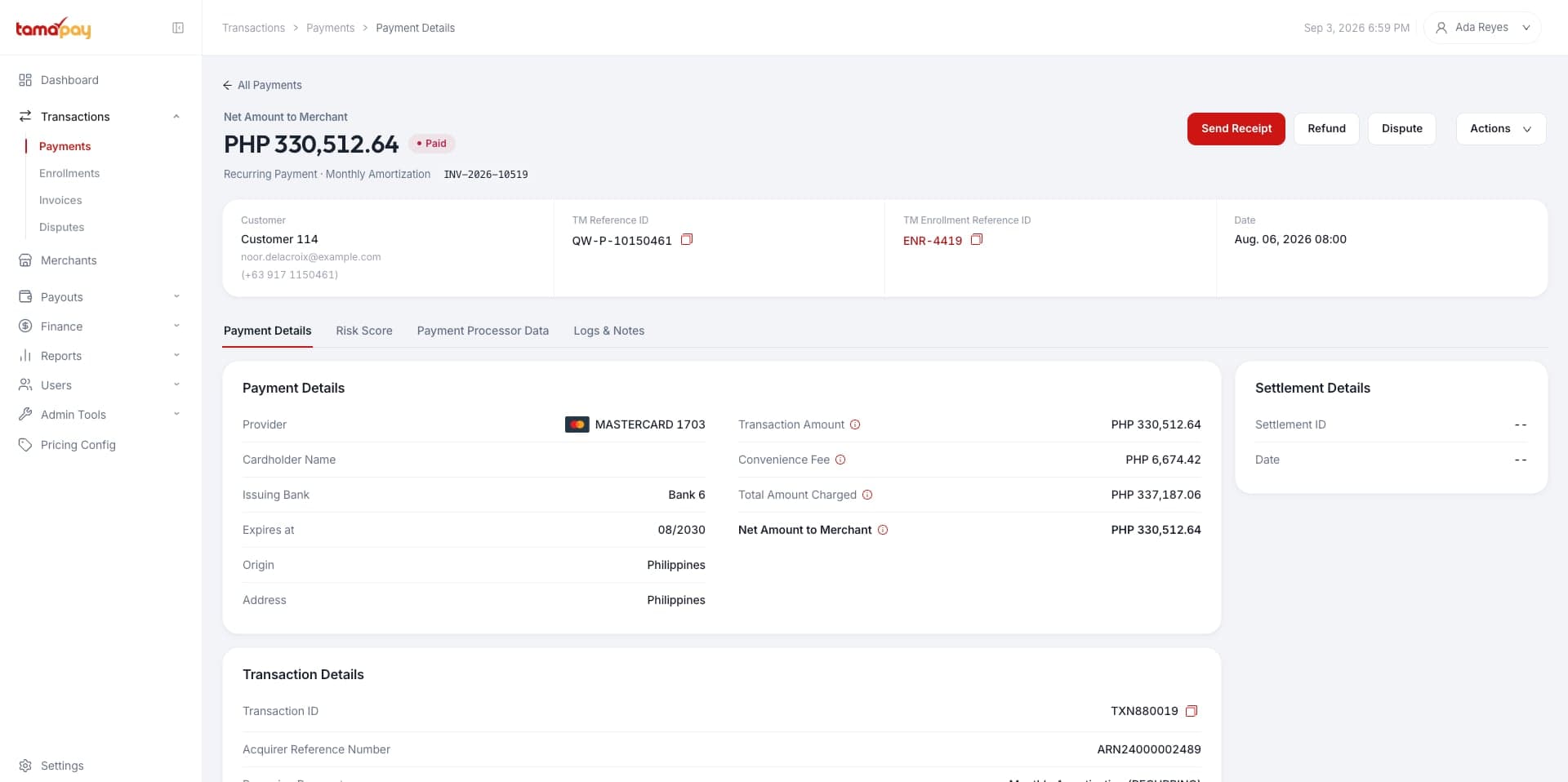
Manage your payments
Every payment made through your portal appears here, with the reference, the method and the payment type attached to it.
- Generate one-time payment links
- Follow a transaction from capture to settlement
- Answer and track disputes without leaving the screen
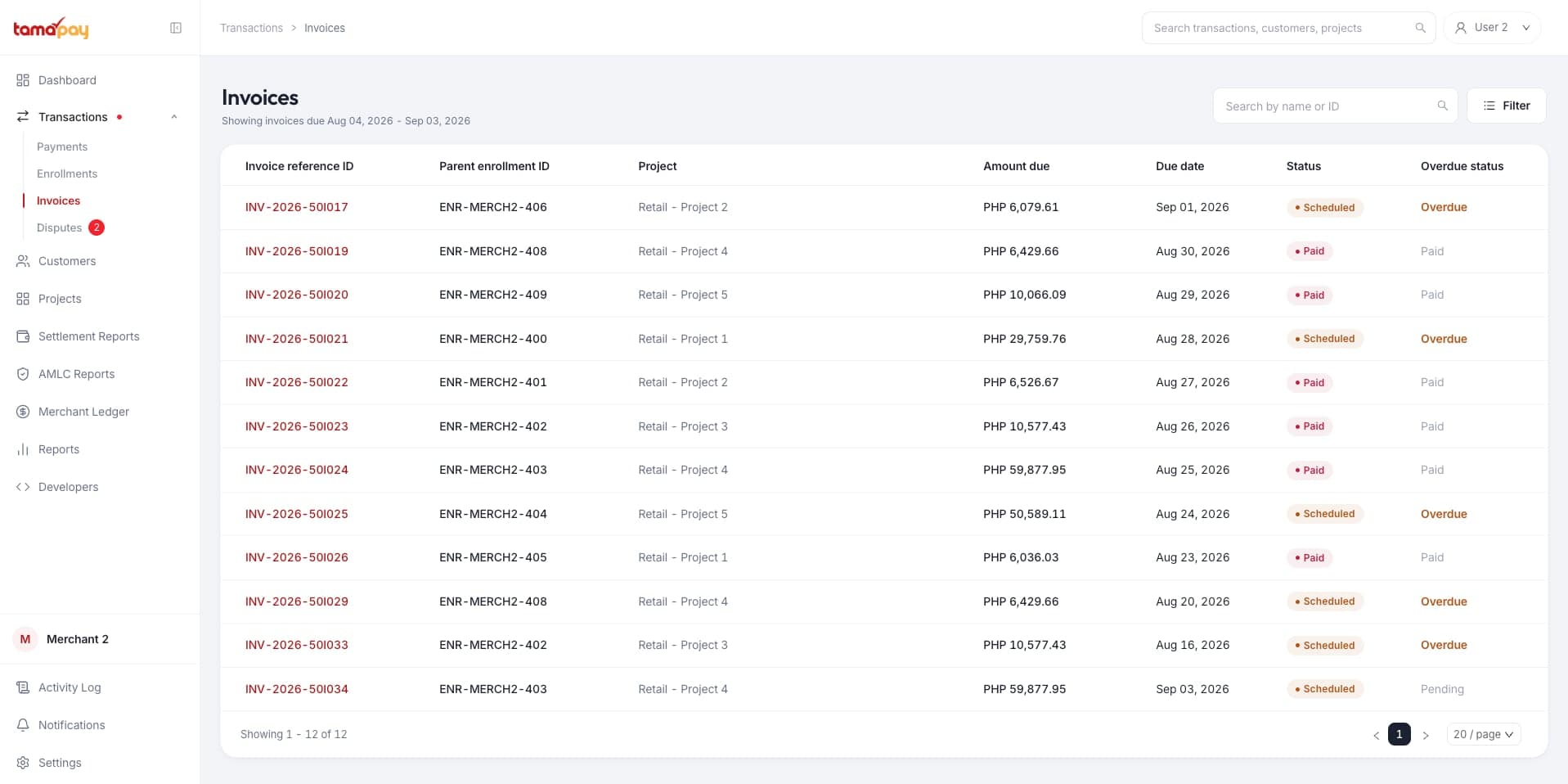
Track what's still owed
Instalment plans and the invoices behind them, scheduled and retried on their own, so nobody reconciles a payment plan by hand.
- See every plan and the schedule it generates
- Auto-debit on the due date, retried when a card fails
- Know what's due this week before it's overdue
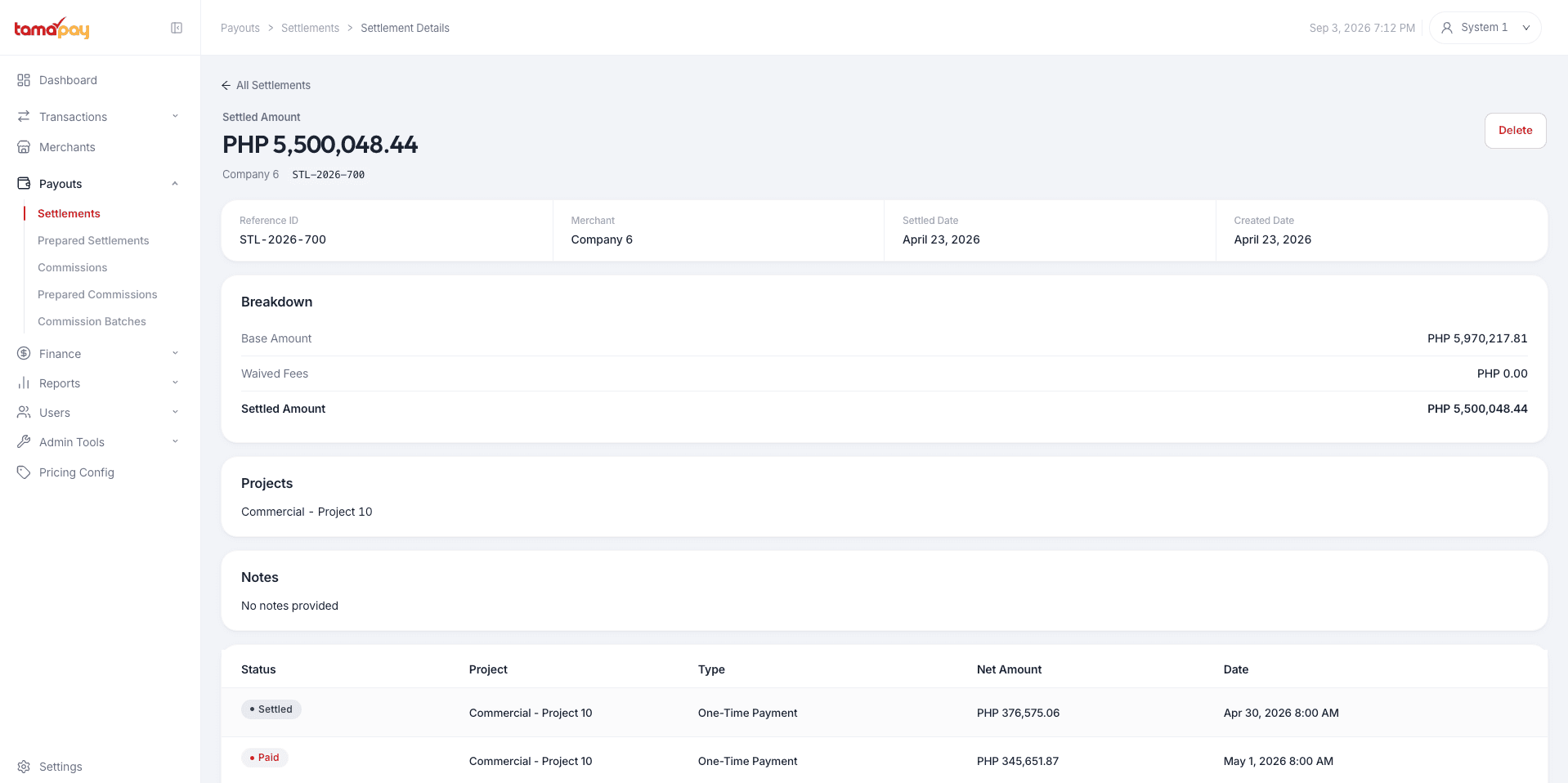
Track your settlements
Watch the money leave for your nominated Philippine account, day by day, against the transactions it came from.
- A figure for every settlement run, reconciled against its payments
- Settlement reports emailed to your account administrators
- Every payout traceable back to its instalments
Everything else it does
Six more things, none of which needed a section to itself.
Manage everything
Every client's payments in one account, however many portals they came through.
Filter your data
By date, method, corridor, project or status — and export what is left.
Developer options
API keys generated for your account, and webhooks that post where you tell them to.
Daily payment reports
Generated each morning and sent to you, already reconciled against the day before.
Feature flagging
Turn individual dashboard features on or off for your own team.
24/7 support
Payments run around the clock, so live operators and the AI assistant do too.
Want a look inside?
Book a short call and we will walk the dashboard with your corridors and your figures in it, rather than ours.